
Contents
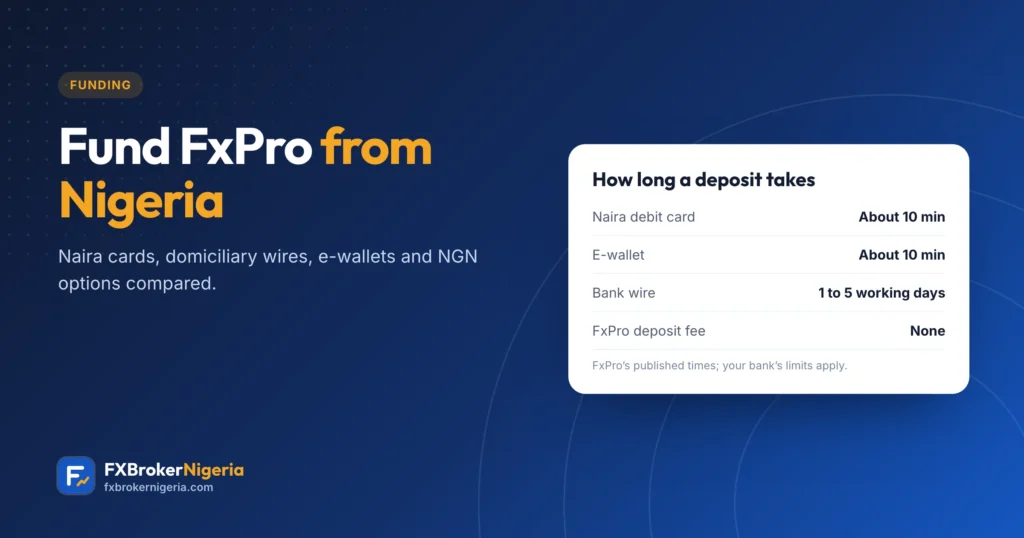
Funding is where most Nigerians get stuck. FxPro itself charges no deposit fees, but your bank’s rules on foreign payments decide which methods actually work. Here are the options, how long they take, and what to check first.
How the FxPro Wallet works
Every deposit goes through the FxPro Wallet. You fund the Wallet (or a trading account, through the Wallet), then move money between the Wallet and your trading accounts instantly. Money in the Wallet is not exposed to market risk, so it is a good place to keep what you are not trading with.
Step by step
- Log in to FxPro Direct.
- Open the Wallet and choose Deposit.
- Pick one of the methods FxPro lists for Nigeria.
- Enter the amount and payment details and confirm; card payments use 3-D Secure.
- Move the money from the Wallet to your trading account.
The options from Nigeria
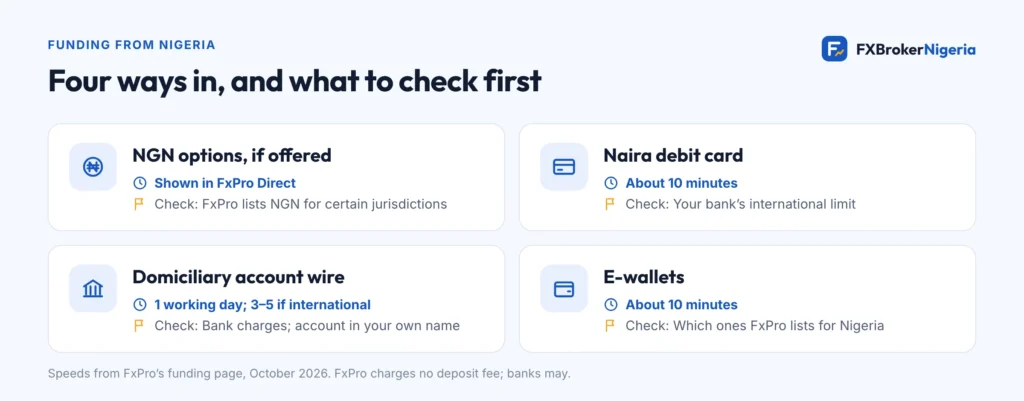
| Method | Speed (FxPro) | What to check |
|---|---|---|
| Local options and NGN, if offered | Shown in FxPro Direct | FxPro lists NGN for certain jurisdictions; availability depends on your country |
| Naira debit card | Usually about 10 minutes | Your bank’s international spending limit, and whether it allows broker payments |
| Bank wire from a domiciliary (USD) account | About 1 working day; international wires 3–5 working days | Your bank’s transfer charges; send from an account in your own name |
| E-wallets | Usually about 10 minutes | Which e-wallets FxPro lists for Nigeria; a withdrawal fee may apply if you have not traded |
Naira cards and their limits
Nigerian banks suspended international spending on naira cards for several years and brought it back from 2025. Each bank sets its own cap, and reports in 2026 describe monthly limits ranging from about $20 to $500 at different banks. Some banks also refuse card payments to brokers. Call your bank or check its app for the current limit before you try a deposit.
Naira, dollars and conversion
If you fund in naira and your FxPro account is in dollars, someone converts the money: your bank, your card scheme or FxPro. Each conversion has a rate and sometimes a fee. If FxPro offers you an NGN wallet, compare the rate you get against your bank’s before choosing. Keep records of what you sent and what arrived; you may need them for tax.
Fees
- FxPro says it charges nothing for deposits or withdrawals.
- Your bank, correspondent banks and e-wallet providers may charge their own fees.
- Currency conversion costs can be larger than any fee, so compare rates.
Stay safe
- Pay only from accounts and cards in your own name.
- FxPro’s payment details appear inside FxPro Direct. Never send money to an individual’s account, an “account manager” or a Telegram contact.
- Keep your receipt until the money shows in your Wallet.
Sources
Checked in October 2026. Found something out of date? Tell us and we will fix it.